Automate Your Google Workspace Save 5 - 15 Hours a Week
We help small businesses eliminate repetitive admin by automating Gmail, Sheets, Drive, Forms, and more — no new software required.
Our Services
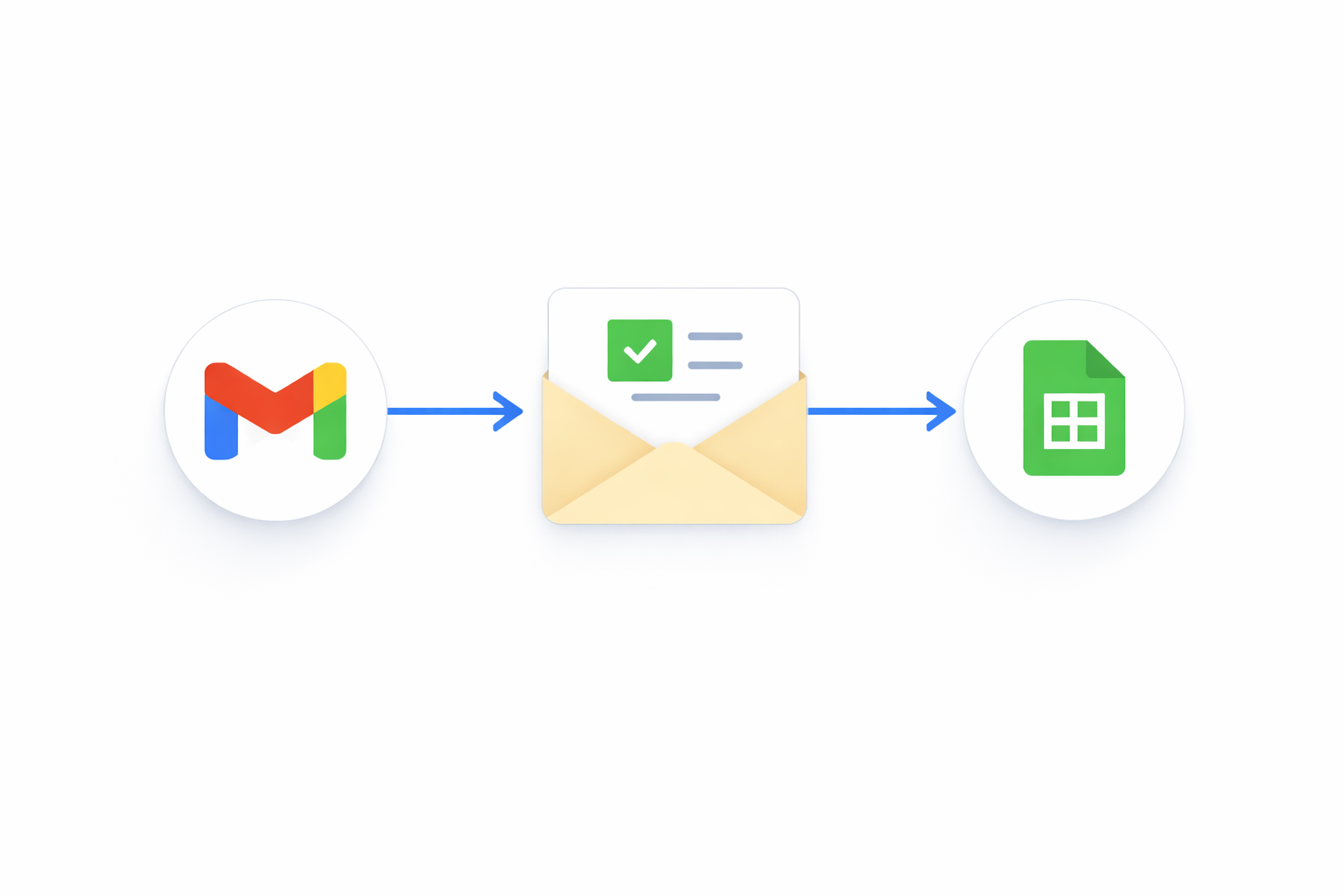
A focused, done-for-you automation built inside your existing Google Workspace.
Perfect if you have one clear pain point — like repetitive emails, manual tracking, or follow-ups slipping through the cracks.
Includes:
1 custom automation (Gmail, Sheets, Forms, or Drive)
Built directly in your Workspace
Loom walkthrough video
Simple documentation
7-day adjustment window
👉 Ideal for testing automation without overcommitting.
Our most popular engagement for small and micro-businesses ready to reclaim serious time.
We identify your biggest bottlenecks, then build multiple high-impact automations that work together.
Includes:
Automation Audit (30–45 min)
1–2 custom automations
Email + Sheet + Drive workflows
Loom walkthroughs
Clear handoff documentation
14-day support window
👉 Most clients save 5–10 hours per week from this alone.
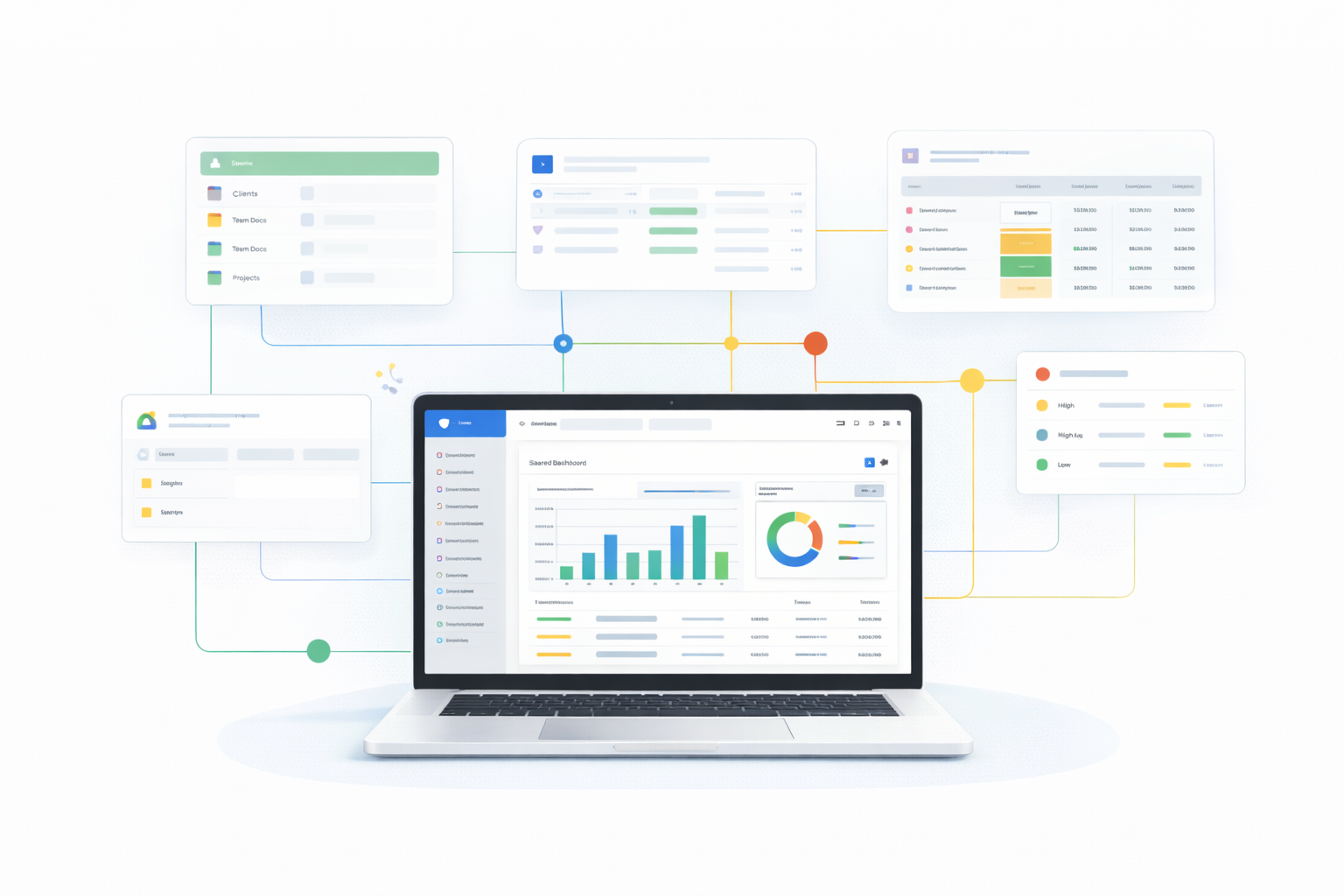
A deeper engagement for businesses that want their Google Workspace fully optimized — not just automated.
We clean up, streamline, and systemize how your team works across Gmail, Drive, and Sheets.
Includes:
Full workflow review
Multiple automations
Drive folder structure optimization
Shared dashboards or trackers
Team-ready documentation
Priority support during build
👉 Best for teams of 3–10 or growing businesses.
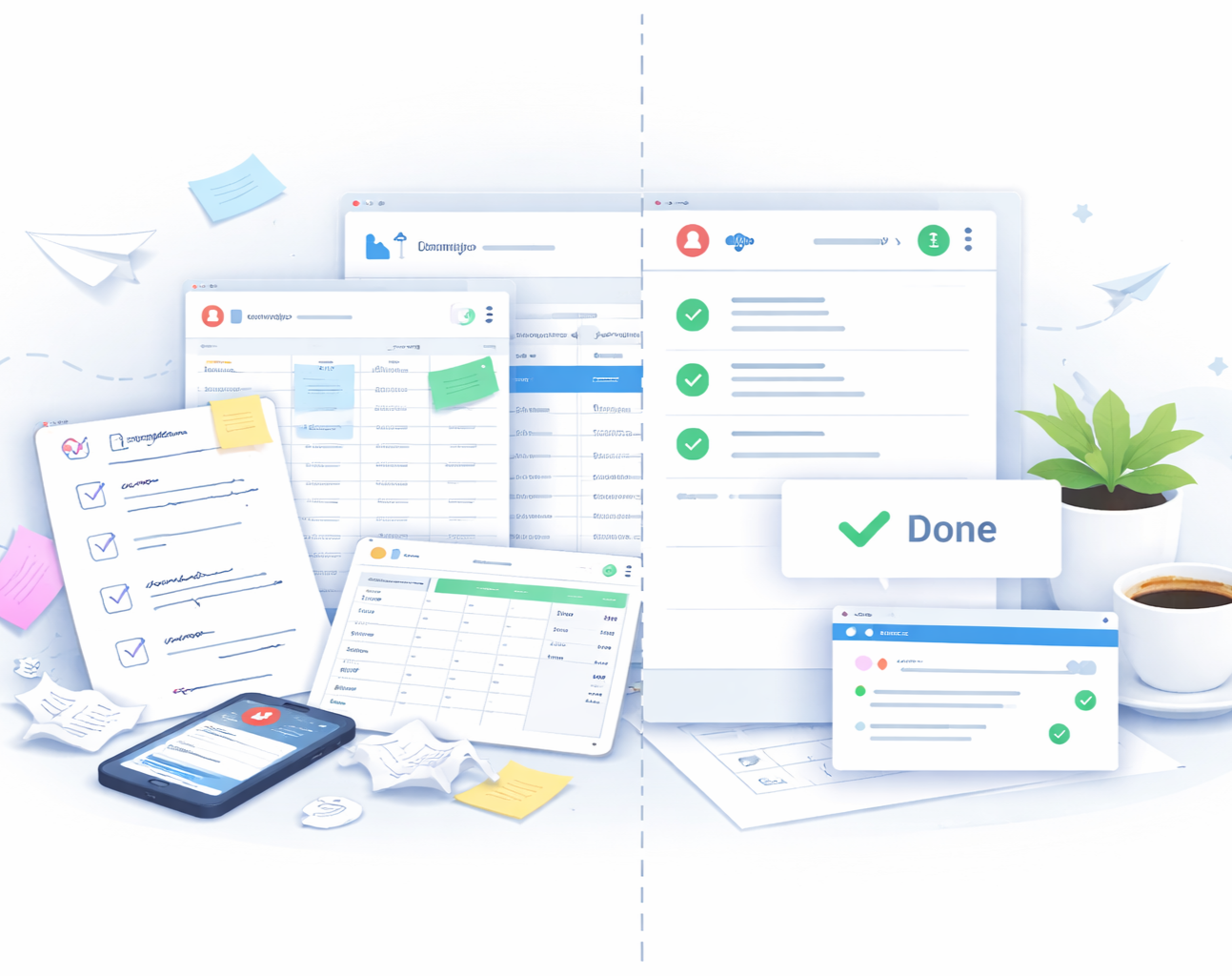
How it Works
-
Who this is for
Small and micro-business owners who already use Google Workspace and want to eliminate one specific, annoying task that keeps slowing them down — without committing to a full system build yet.
If you know exactly what’s wasting your time, this is the fastest way to fix it.
The problem we solve
You’re doing the same thing over and over:
Manually responding to similar emails
Copying data between Gmail, Forms, and Sheets
Tracking something important in your head or inbox
It’s not complicated — just repetitive, distracting, and frustrating.
What we’ll build
One high-impact automation, built directly inside your existing Google Workspace.
Examples include:A client intake form that automatically organizes responses and sends a follow-up email
An email workflow that labels, sorts, and responds to common messages
A simple tracker that updates itself instead of requiring manual entry
No new software. No platform to learn. Just Google tools working together.
How it works
Quick discovery call to identify the exact task to automate
Build + test the automation in your Workspace
Walkthrough & handoff, so you understand how it works and how to adjust it later
You stay in control — we just remove the friction.
Timeline
Most Automation Starter builds are completed in 1–2 business days from kickoff.
Investment
Starting at $500, depending on scope and complexity.
If you decide to expand later, your Starter work can roll directly into a larger system — nothing is wasted or rebuilt.
-
Who this is for
This is for small and micro-business owners who are ready to move beyond fixing one task and want a connected system that actually changes how their business runs day to day.
If your work lives across Gmail, Sheets, Drive, and Forms — and it all feels loosely connected — this is where everything starts working together.
The problem we solve
You’re not just dealing with one annoying task — you’re dealing with chains of manual work:
A lead comes in → you respond → you track it → you follow up → you invoice
An order is placed → you update a sheet → you send an email → you remember to check status
Tasks live in emails, notes, spreadsheets, and your head
Nothing is “broken,” but everything requires constant attention.
That’s what creates burnout.
What we’ll build
We design and implement 1–2 custom automations that work together as a small system inside your Google Workspace.
Common Jumpstart builds include:
Client or lead intake → automatic tracking → follow-up emails
Invoice or order tracking → status updates → reminder emails
A central operations dashboard that pulls key information into one place
These aren’t templates — they’re built around your actual workflow.
How it works
Automation Audit Call
We walk through your current workflows and identify the biggest opportunities for automation.Design & Build
We build and test your automations directly in your Workspace using Gmail, Sheets, Forms, Drive, and Apps Script where needed.Handoff & Training
You receive:Clear documentation
A Loom walkthrough showing exactly how everything works
Guidance on how to adjust or extend the system later
You’re never locked in or dependent on us.
Timeline
Most Automation Jumpstart projects are completed within 3–5 business days, depending on scope.
Investment
$750 for founding clients
(This will increase as we finalize case studies and expand offerings.)If you’re unsure where to start, we’ll help you define the right scope during the discovery call.
-
Who this is for
This is for business owners who’ve already automated the basics and want to continue improving operations over time — without jumping into expensive, complex platforms.
If your business is growing and your systems need to keep up, this is how you scale intentionally.
The problem we solve
As your business grows, new friction appears:
New workflows get layered on top of old ones
Spreadsheets become harder to manage
Processes evolve, but systems don’t
You start thinking, “This could be better… but I don’t have time to fix it.”
Without ongoing optimization, automation slowly turns back into manual work.
What we support
Ongoing Optimization gives you continued access to automation support, refinement, and system expansion inside your Google Workspace.
This can include:
Improving or extending existing automations
Building additional workflows as needs change
Creating dashboards, summaries, or reporting views
Cleaning up and standardizing documents, folders, and processes
Helping your systems scale as your team or workload grows
Everything stays inside the tools you already use.
How it works
We work on a monthly or phased basis, depending on your needs
Requests are scoped and prioritized together
Improvements are documented so your systems stay understandable and usable
Think of this as having a systems partner — not just a one-time build.
Timeline & commitment
Support is flexible and designed to grow with you.
There’s no long-term lock-in — we adjust cadence and scope as your business evolves.Investment
Pricing is custom, based on the level of ongoing support you want.
Most clients start here after completing an Automation Jumpstart.
Schedule your appointment
Schedule your consultation today to leverage our expert insights and drive your business forward. Our dedicated team is ready to provide tailored solutions to meet your organization's unique needs.
Built for small teams using Google Workspace
GSpace Solutions works with small and micro-businesses that already rely on Google Workspace to run their day-to-day operations.
We don’t introduce new platforms or force you into complex systems. Instead, we design lightweight automations and workflows directly inside the tools you already use — Gmail, Sheets, Docs, Forms, and Drive.
Our approach is practical, flexible, and tailored to how your business actually operates today.
No new software to learn
Built directly inside Google Workspace
Designed for small teams and solo operators
Practical automations, not bloated systems
Clear documentation and walkthroughs included